Curio
▲ 1ST @ HACK OHI/O
Voice AI tutor for Windows that sees your screen, answers out loud, and points its cursor at the button it means. 1st place overall at Hack OHI/O 2026.
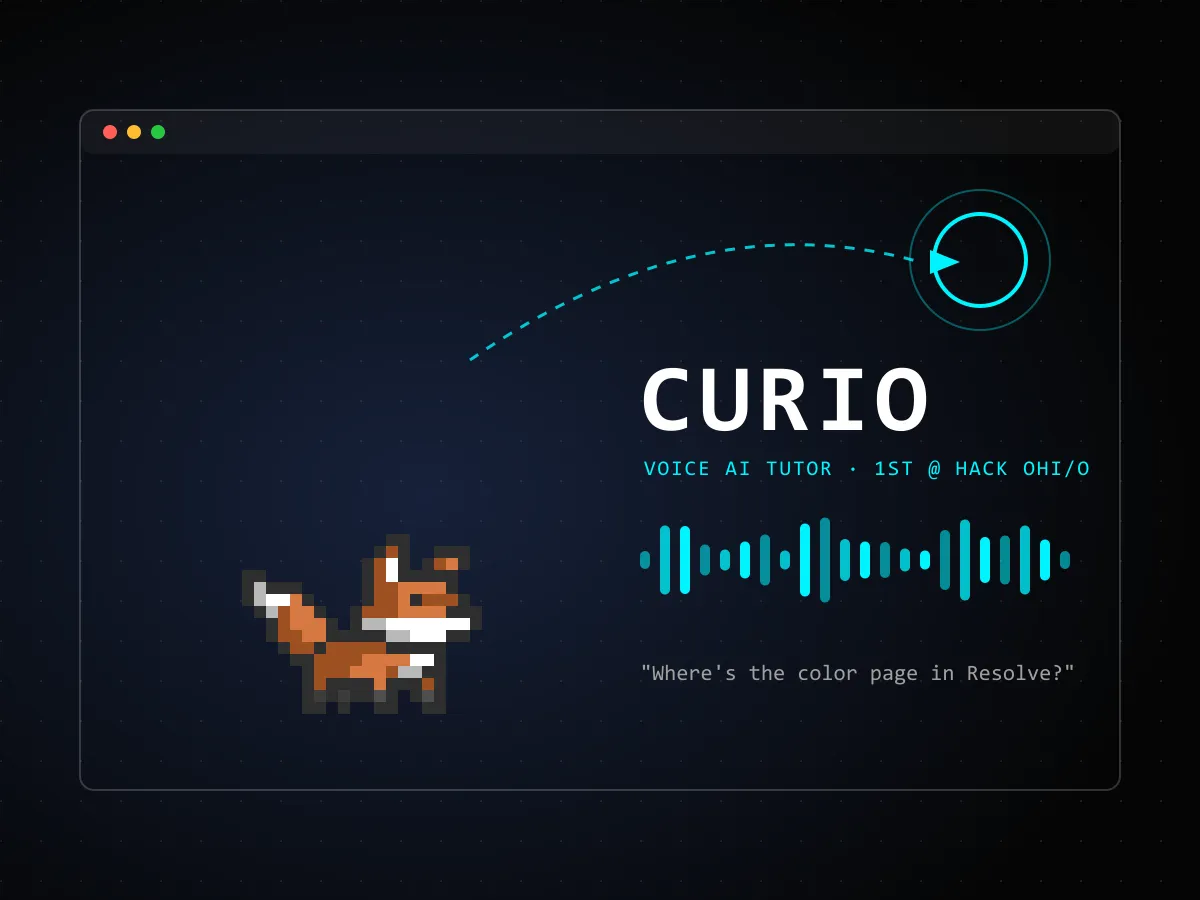
MISSION BRIEF
Led a team of 4 to build Curio, a voice-powered AI tutor that lives next to your cursor. Hold Ctrl+Alt, ask a question out loud, and release: Curio screenshots every monitor, sends them to a vision model with your transcribed speech, speaks the answer back, and flies a companion cursor to the exact UI element it's describing. It's built for anyone learning unfamiliar software like DaVinci Resolve or Blender by doing instead of watching tutorials. Curio is a Python + PySide6 system tray app on asyncio, driven by a central state machine (idle, listening, processing, responding). Per-app knowledge bases load automatically from the foreground window title, so answers for niche software come from curated docs instead of guesses. It keeps a 10-exchange conversation memory, supports interrupting mid-answer, and can run fully local with no API keys: a vision model served by vLLM on a lab GPU, faster-whisper for speech, and built-in Windows voices. Won 1st place overall at Hack OHI/O 2026.
THE PROBLEM
Learning a dense piece of software usually means pausing a video tutorial, finding the same menu on your own screen, and hoping your version looks the same. Chat assistants help a little, but you have to describe what you're looking at, and their answer is a paragraph of text about a button you still can't find. We wanted a tutor that already sees what you see, answers by voice so your hands stay on the app, and shows you exactly where to click.
APPROACH
Push-to-talk keeps it out of the way: hold Ctrl+Alt to talk, release to send. On release Curio captures every monitor, pairs the screenshots with the transcript, and asks a vision model for an answer that can reference on-screen elements. The spoken reply streams back while a small companion cursor flies to the element being described and draws a target ring around it. General models are weak on niche tools, so Curio injects a knowledge base per app. A folder of markdown docs plus a small _meta.toml maps window titles to that app, and whenever the matching window is in front, its docs go into the system prompt as authoritative reference. The docs reload on every turn, so editing them needs no restart.
ARCHITECTURE
A Python 3.12 + PySide6 tray app using asyncio through qasync. A central companion manager runs the state machine (IDLE → LISTENING → PROCESSING → RESPONDING → IDLE) and coordinates separate clients for the LLM, transcription, and text-to-speech, plus the cursor-following overlay widget. In hosted mode a Cloudflare Worker proxies Claude, AssemblyAI, and ElevenLabs so API keys never ship in the app. In local mode it skips the Worker entirely: any OpenAI-compatible vision server (vLLM serving Qwen3-VL on a lab GPU workstation), faster-whisper on the laptop, and the built-in Windows voices. It packages to a standalone .exe with PyInstaller.
RESULTS
Won 1st place overall at Hack OHI/O 2026. The app suite grew past 1,100 automated tests running against fake audio and model providers and offscreen Qt, which caught real race conditions, such as a classifier that could issue duplicate judgments at completion.
WHAT I'D DO DIFFERENTLY
Pointing beats describing. The answers felt dramatically more useful once the cursor moved to the element, even when the spoken text was unchanged. Plan for running without the cloud from the start. Making every model provider swappable let us demo on lab hardware with no API keys, and it made the tests easy to fake.